Explore Component Editor
The component editor is used to model a component and its streams.
It provides much validation to ensure that your components are
defined correctly. Component mandatory properties are:
- The Name. Must be unique within an organization.
- The Time Zone of the Component
When an ID is set it must be unique within an organization. The ID can be used in place of the underlying UID for certain API calls. ID examples are a devices' MAC address, IP address or serial number.
Component General Properties: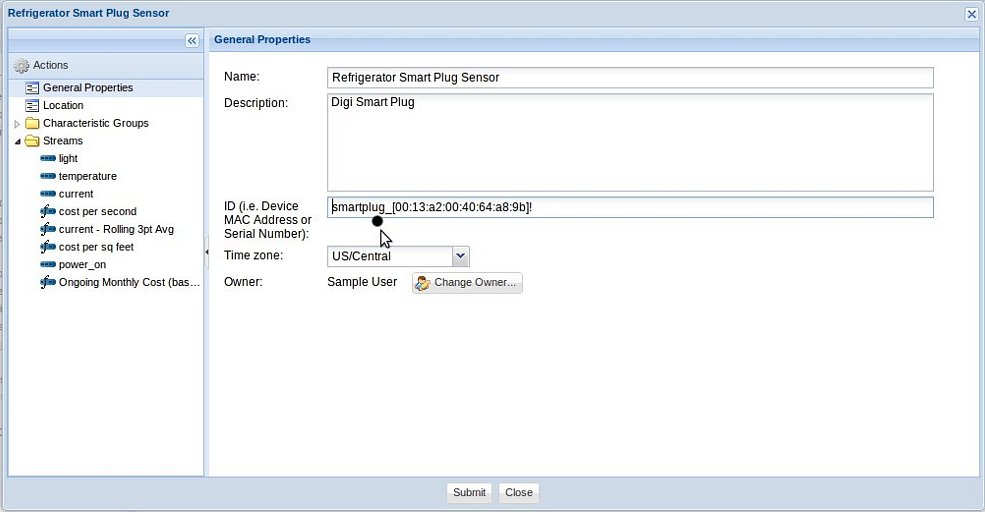
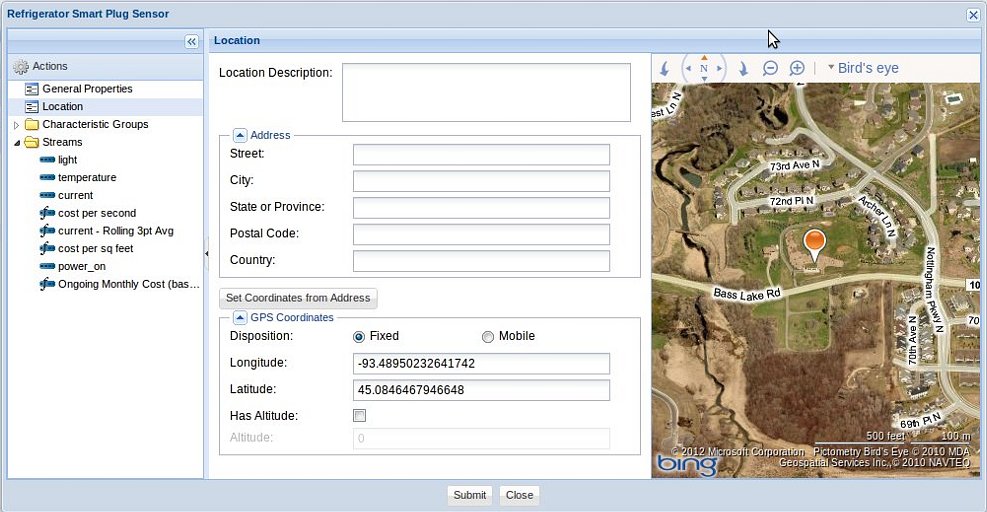
Component Location: The component's defined location is its stationary location. Location information is optional. You can set the location one of three ways:
- From an Address
- From a set of Coordinates
- From clicking on the map to the right
If the component is a mobile component then you would create geo
streams for recording its position over time. Never have a device
periodically update a Component's fixed location as saving a
component definition is an expensive operation because of the
amount of validation involved.
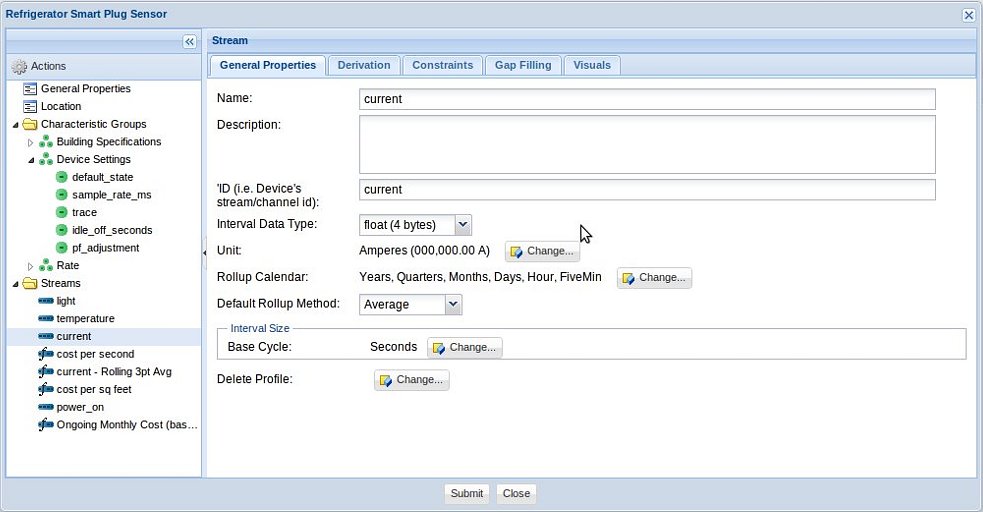
- The stream name
- The Data Type
- The Base Cycle
A stream Rollup Calendar is optional. Set the Rollup Calendar reference if you want to have access to Stream Rollup information for calculations, notifications, graphing, and analysis as data arrives.
The Delete Profile allows Stream interval data to be automatically
deleted after it is older than a defined period of time (i.e. "1
Year").
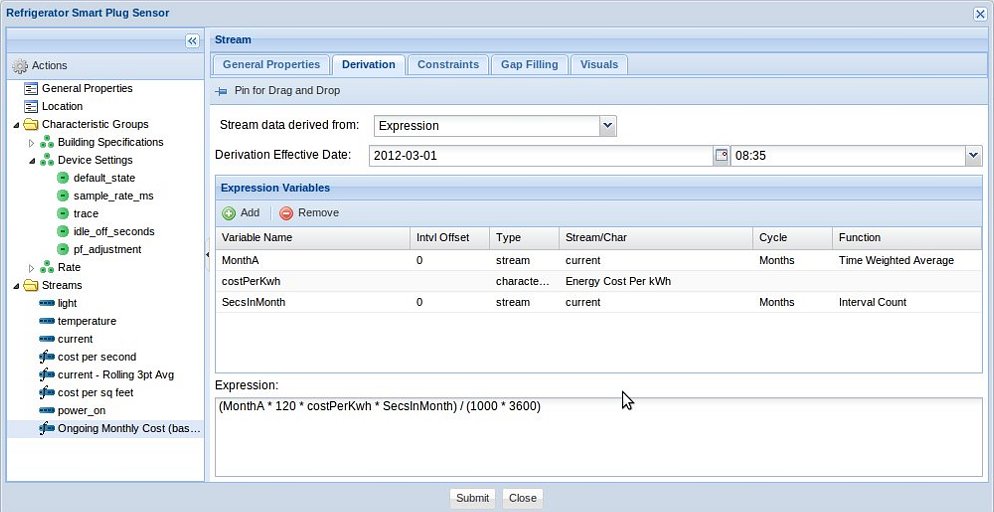
Component Stream, Derivation: You can mark a Stream as derived from an expression of other organization streams or from RSS feeds.
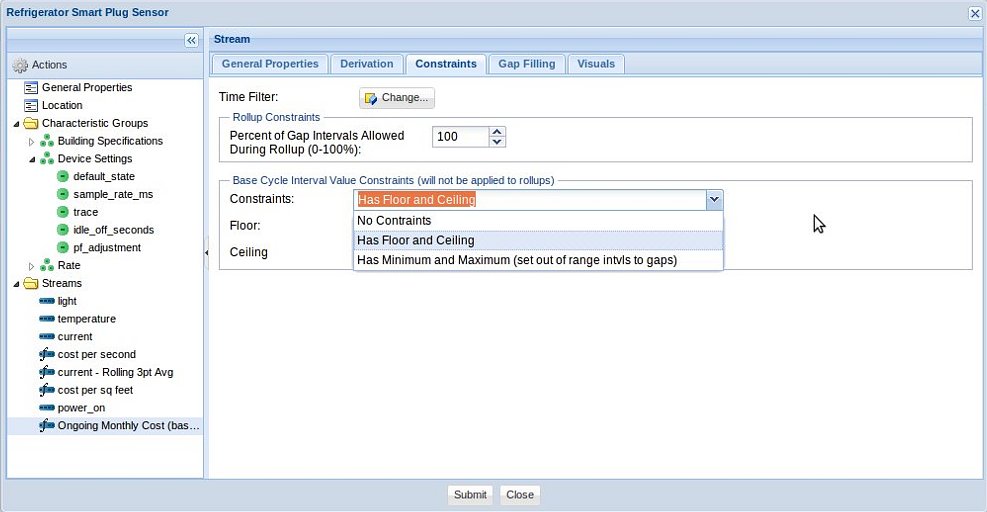
Component Stream, Constraints: Stream constraints are optional. They are applied as stream interval data is uploaded or derived.
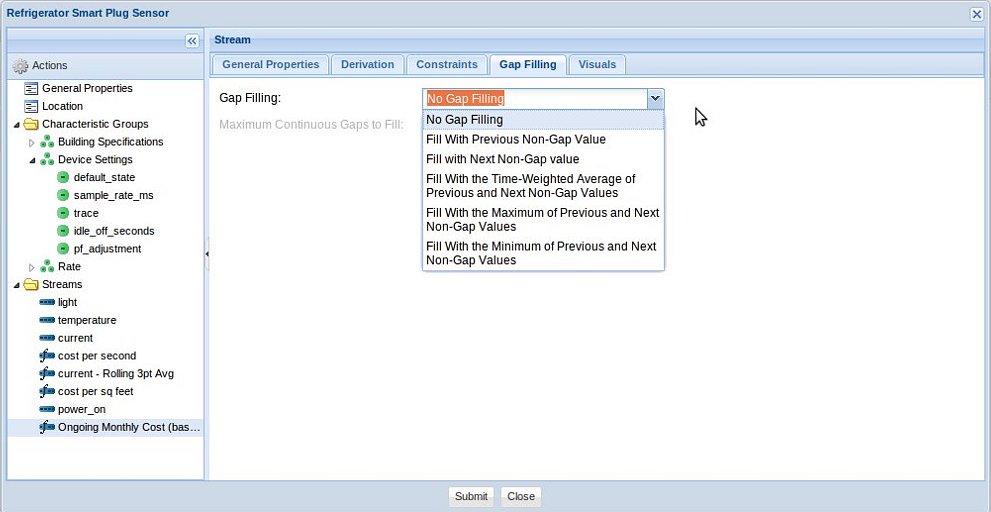
Component Stream, Gap Filling: Gap Filling is optional. Gap Filling occurs as stream interval data is uploaded or derived and is only applied during feed appends.
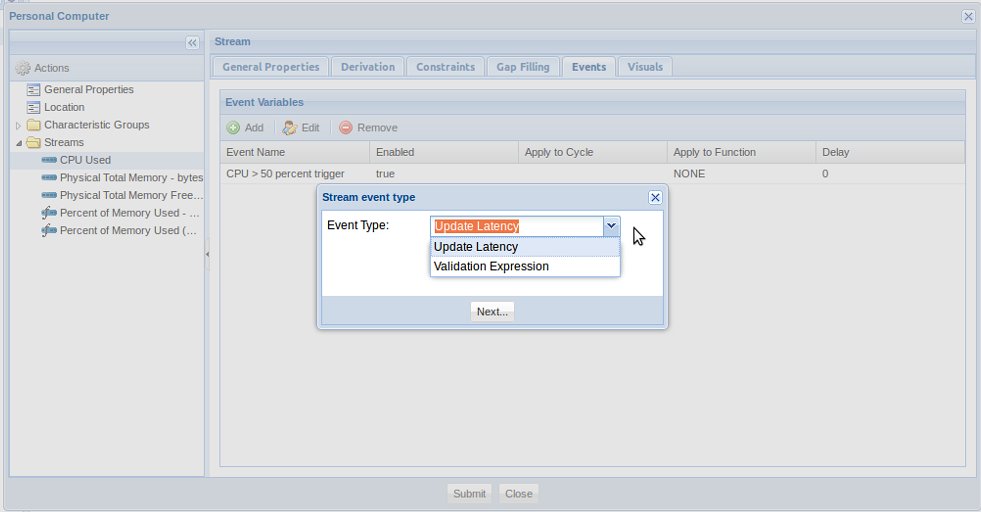
Component Stream, Events: Each component stream can have several events. Events are either triggered by an update latency or by a validation expression.
Update latency events are triggered when a component fails to upload its feed within a defined period of time.
Event expression validation occurs as stream interval data is uploaded, imported, or derived.
Event icons are used in map views to identify active event locations.
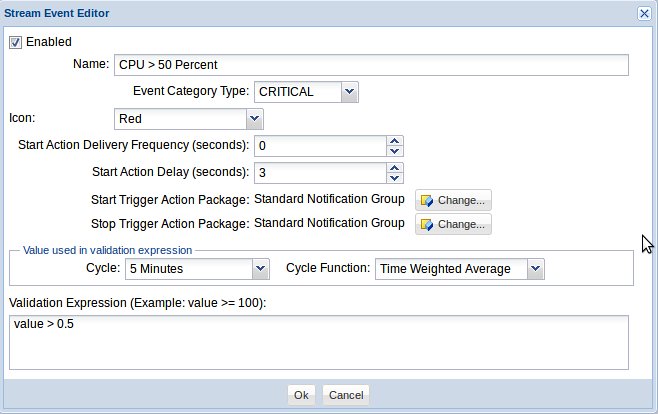
A start action delay can be set to prevent events from being triggered from a set of anomaly values. The trigger expression will need to be true for the number of seconds specified for the event to start.
Events can be optionally associated with Action Packages. Each Action Package can be used with many different stream events. When the event is triggered, all Action Package actions will be executed such as delivering notifications (emails, sms, ...). An Action Package can also be associated with trigger stops/ends.
The power of GroveStreams' cycles once again becomes evident in stream event definitions. The example below will send notifications when a computer's CPU five minute average is above 50 percent.